R.A.M. Engineering
Parts Ordering System
Automated parts ordering for an engineering team - parsing spreadsheet and centralizing requests into a single database.
A parts room running on broken spreadsheets
R.A.M. Engineering runs 10 subteams, each ordering parts on their own timeline. The old system was a shared Google Sheet where subteam leads submitted a Google Form into a Google script that kept breaking. Rows had to be manually entered, parsing kept failing, and it was overall a time consuming and unenjoyable process.
Because of these issues, teams got backed up constaintly, and eventually stopped trusting the process entirely. There was no way to see when a order was submitted, when it shipped, or when it arrived - and no visibility into how much each team had spent against their budget.
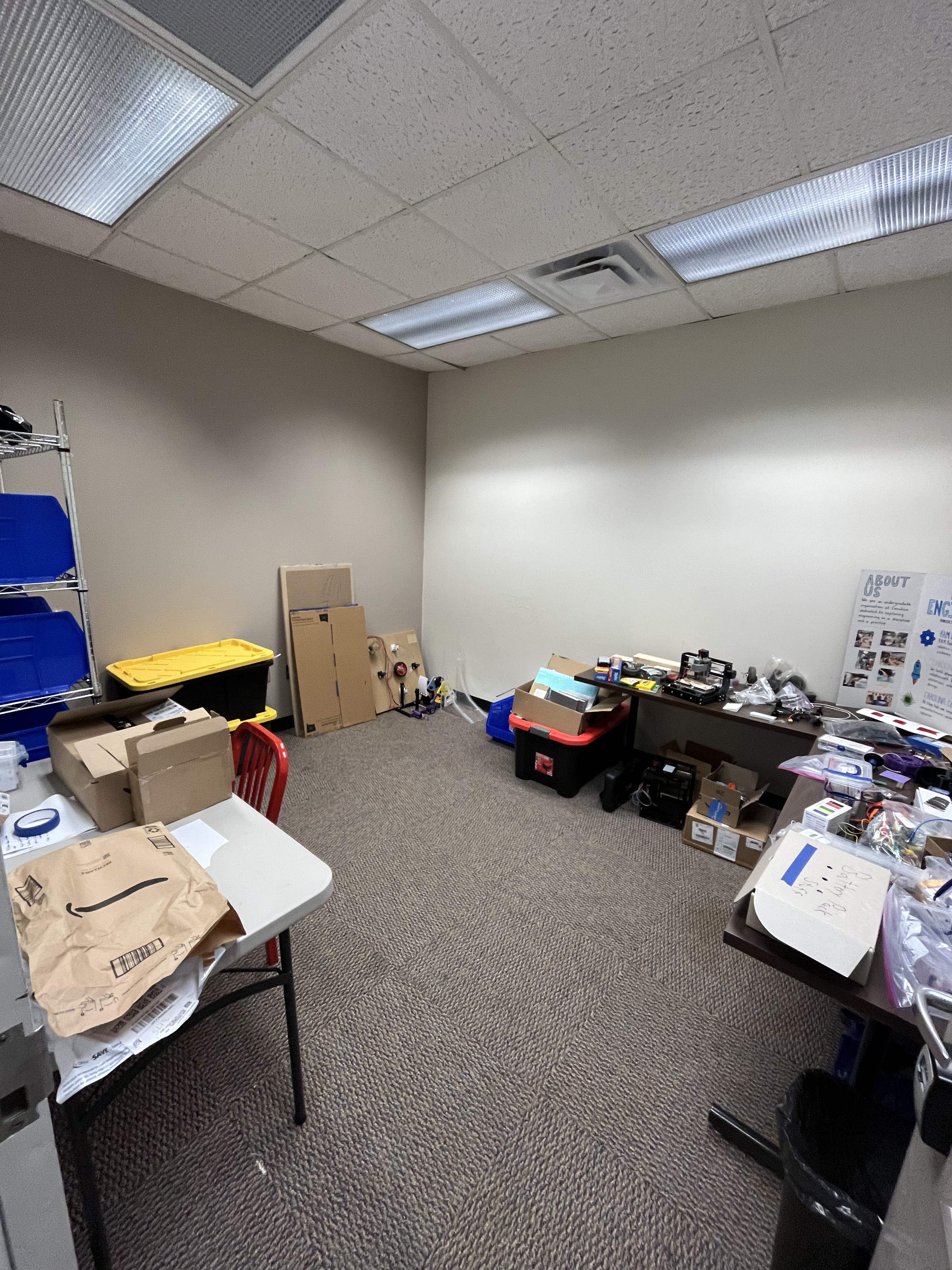 The Parts Room
One Stop Shop for Orders, Status, and Budgets
I built a web form that replaced the spreadsheet entirely. Teams submit part requests through the site - no manual row entry, no broken scripts. Every submission syncs to a Notion database and moves through three stages: unordered → ordered → arrived.
Leads can see the live status of every part across all 10 teams in one view. A budget tracker shows how much each team has spent and what they have left.
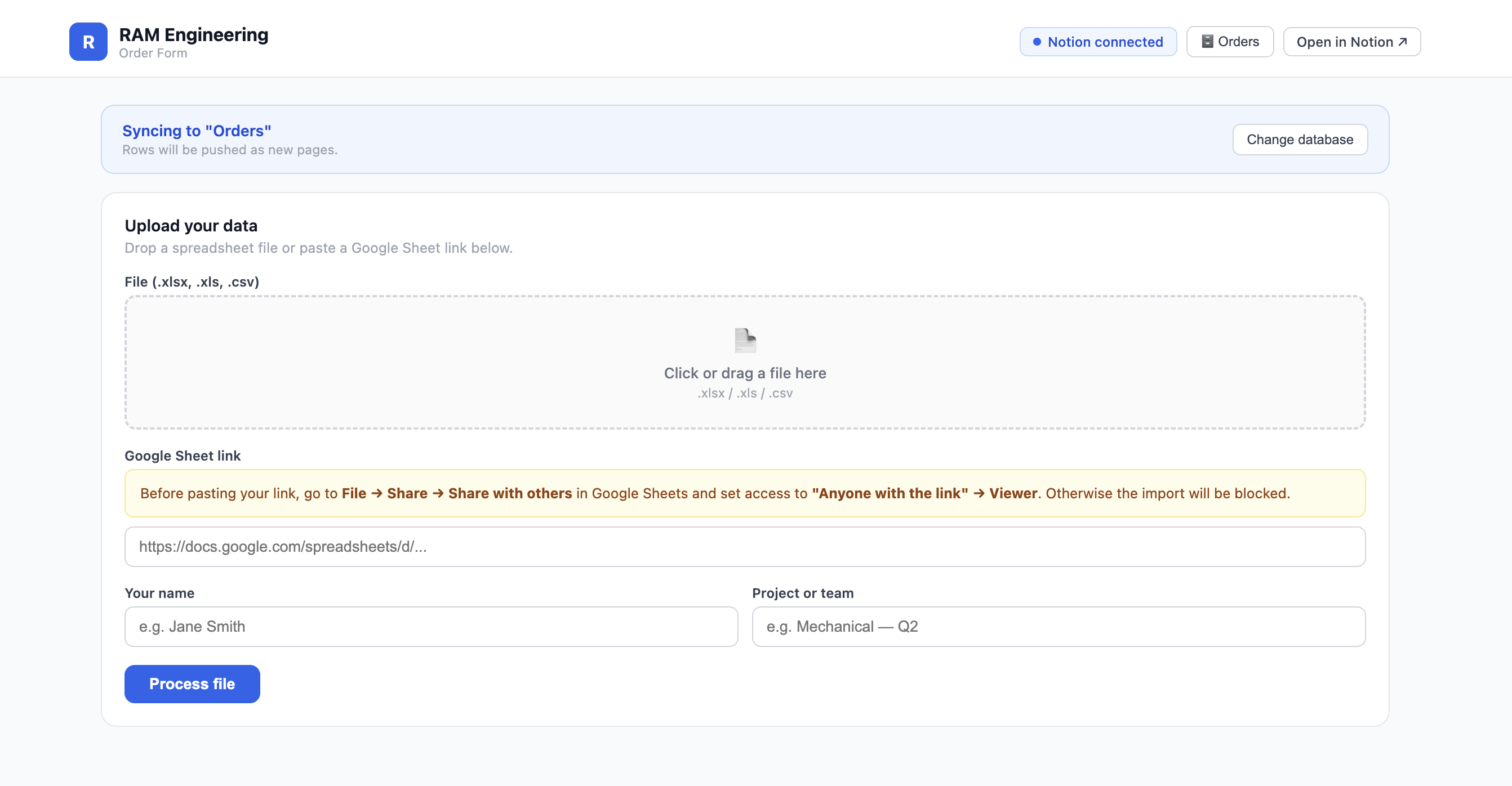 Ordering Interface
Request Form
Teams submit part requests through a validated web form which captures the part name, quantity, vendor, and priority.
Notion Sync
Every submission creates a Notion entry instantly. Finance team members are notified and purchase the order.
Live Order Status
Every part moves through three stages: unordered → ordered → arrived. Teams know exactly where their parts are without having to message anyone.
Budget Tracking
Each team's spending is tracked in one place. Leadership can see how much has been spent and what's left in the budget across all 10 subteams.
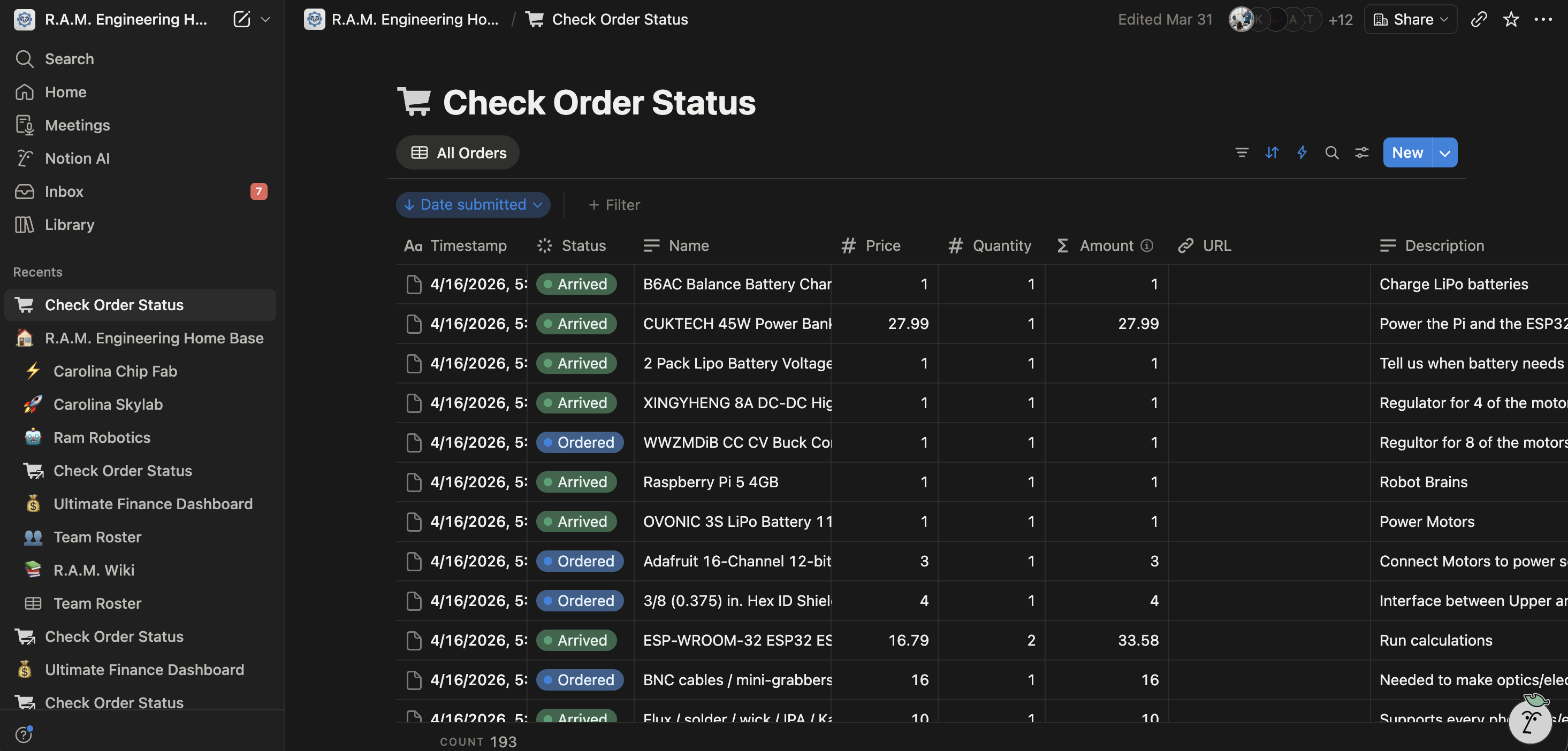 Notion Dashboard
Notion as the team's backend
Rather than building a custom admin dashboard, I used the Notion API to push every order into an existing team workspace. This kept the review workflow in a tool the team already used.
Team leads manage the board directly in Notion. Status updates reflect automatically, so the order status is always in sync without any manual editing or copy-paste.